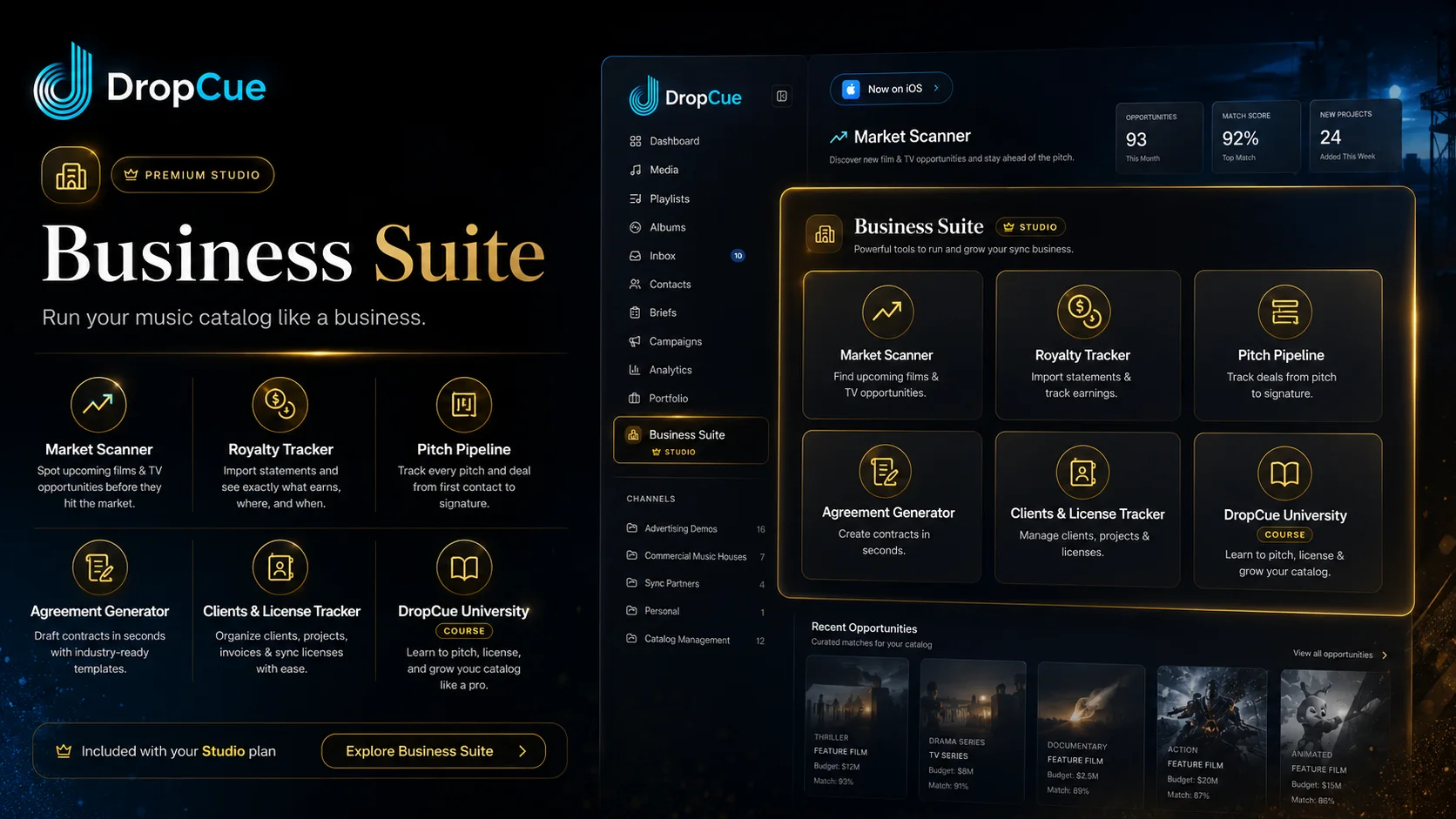

How to Run a Sync Business: The 8 Systems Composers Need
The short version
Running a sync business is everything that surrounds the writing: knowing who to pitch, finding live opportunities, tracking every pitch, papering the deal, logging the license, and making sure the money actually lands. Eight systems cover the whole cycle.
Most composers run all eight out of one spreadsheet, one inbox, and memory. That holds up longer than you would expect, and when it fails it never fails loudly. It fails as a follow-up nobody sent, a license nobody logged, and a statement nobody read closely enough to notice that a track stopped reporting two quarters ago.
Below is what each of the eight systems is for, what it costs you when it slips, and the tool that covers it if you would rather not build it yourself.
The eight systems at a glance
| The job | What it looks like with no system | The tool for it |
|---|---|---|
| Know who to pitch | A bookmarks folder and a half-remembered name | Label Directory |
| Find live work | Refreshing forums and Facebook groups | Market Scanner |
| Track every pitch | "Did I already send this to her?" | Pitch Pipeline |
| Paper the deal | A contract borrowed from someone in 2019 | Agreement Generator |
| Log every license | Signed PDFs across three folders | Clients & License Tracker |
| Read the royalties | Statements you download and never open | Royalty Tracker |
| Know who to hire | Texting three people and hoping | Roster |
| Learn the business | Trial, error, and forum threads | DropCue University |
1. A list of who actually receives music
The first question in a sync business is the least glamorous one: who takes submissions, and how do they want them? Every composer eventually builds some version of this list. Most of them build it badly, in bookmarks, in a notes app, and in the memory of a conversation at a conference two years ago.
What you want is a list with the submission route attached, because the route is the part that changes. A label that took email attachments in 2023 has a form now. A publisher that had an open inbox has a scout. A usable entry holds four things:
- The company, and what kind of music it actually places
- The route it publishes for receiving music today
- Who you dealt with last time, if anyone
- What you sent and when
The Label Directory is our version: 700+ labels, publishers, ad agencies and music houses across 37 countries, each with the page it publishes for receiving music. Every company gets its own tracked link, so when you send a playlist and someone submits through a contact form, you still see who listened and for how long.
2. A way to see what is in production
Pitching cold into a general inbox is the slowest way to work. Pitching into a project that is casting for music right now is a different job, and the difference is information, not talent.
That information exists. Trades and production databases publish what is shooting, who is running it, and often who is already attached. Reading all of that every week is a job. Most composers do it in bursts, usually right after a dry month.
Market Scanner surfaces upcoming films and series in active production with the studio, production company, director and composer attached, so you can see where music is still being decided instead of guessing. It will not write the email for you. It does tell you which email is worth writing.
3. A pipeline that remembers every pitch
Here is the failure nobody talks about. You send a supervisor five cues. She likes one. She asks for an instrumental. You send it. Then a scoring deadline eats three weeks, and by the time you surface, you cannot remember whether you followed up or only meant to.
Pitches do not die from rejection nearly as often as they die from silence on your end. A pipeline is just the discipline of writing down four things: who has it, what stage it is at, what they said, and when to check back.
Pitch Pipeline is a board for exactly that, from first contact through signature, with reminders so nothing goes cold while you are busy being a composer. If you want the tactical version of this, we wrote a whole post on how to follow up after a music pitch.
4. Contracts you can send the same day
A yes has a shelf life. When a producer says "send us the paperwork," the composer who sends it that afternoon closes, and the composer who spends four days looking for a template gets a polite email about a different track.
You do not need a lawyer on retainer to send a clean sync license. You need a document with the right clauses in it: masters and publishing, term, territory, media, exclusivity, and fee.
The Agreement Generator drafts sync licenses and one-stop confirmations as a polished PDF plus an editable Word doc, so your side of the deal takes minutes. If the terminology in that list is not second nature yet, start with our plain-English guide to what a sync license is.
5. A ledger of every client and license
Ask a composer with a 2,000-track catalog what is currently licensed, to whom, and for how long, and watch what happens. Most can answer for the last six months. Almost nobody can answer for the last six years.
That matters more than it sounds. Exclusivity you forgot about is how you accidentally double-license a cue. An expired term is money sitting on the table. A client who paid late twice is information you want before you quote them again. Every license record needs six fields:
- The client and the project
- The tracks covered
- Term and territory
- Media and exclusivity
- The fee, and whether it was actually paid
- The signed document itself
Clients & License Tracker is the system of record: every client, every project, every executed license and invoice, with billed, paid and outstanding visible in one place. It is also what makes you fast when a supervisor asks whether a cue is clear, which is the question that decides most placements. We broke that process down in how music supervisors clear music.
6. Royalty statements you can actually read
PRO statements are hostile documents. Every society formats differently, foreign income arrives in euros, pounds and yen across filing periods that do not line up, and the useful information is buried under thousands of line items worth eleven cents each.
So most composers check the total, feel whatever they feel about it, and close the file. That total tells you almost nothing. The useful questions are which tracks earn, in which territories, from which shows, and what changed since last quarter.
Royalty Tracker imports ASCAP, BMI, SESAC and distributor exports side by side, normalizes the currencies, and breaks income down by track, territory, source, network and show, with quarter-over-quarter trends. Missing money shows up as a line that went quiet, which is the only way you ever catch it. For the fundamentals, see how music royalties actually work.
7. A roster of the people you hire
The moment your catalog grows past what you can write alone, you are hiring. A brief lands for solo cello, or you need a vocalist by Thursday, and you start texting the three people whose numbers you can find.
The information you need at that exact moment is always scattered: what they charge, what they are genuinely good at, their PRO and IPI, how they want to be paid, and whether their tax form and agreement are on file.
Roster keeps all of it on one record, with a private one-to-five rating and skill tags so "orchestral, four stars or better" narrows thirty people to two. Collaborators fill in their own details through a one-time link, with no DropCue account, and their rating stays visible only to you.
8. Somewhere to learn the parts nobody teaches
Every composer teaches themselves this business through expensive mistakes: the deal signed too cheaply, the cue sheet never filed, the exclusivity clause skimmed. That education works, it is just slow and it charges tuition in lost placements.
DropCue University is the shortcut we built for it: 61 lessons across 8 tracks plus 79 downloadable templates, covering licensing, publishing, royalties, pricing your work, and pitching supervisors. It is a one-time purchase with lifetime access, and it is included with Studio. The first two lessons of every track are free if you want to read before you decide, and our sync licensing guide covers the basics at no cost.
What changes when the eight connect
Any of these can live in a spreadsheet. The reason they usually do not work there is that spreadsheets do not talk to each other, so the same track gets re-keyed five times and the connections between the records are the first thing lost.
Connected, the cycle reads as one line:
- A company in the directory becomes a pitch in the pipeline
- The pitch becomes an agreement
- The agreement becomes a tracked license with a term and a fee
- The license shows up against the royalties it earns
- The royalty data tells you which cues to write more of
That last step is the one nobody gets from a spreadsheet, and it is the one that changes what you write next year.
Where to start
You do not have to build all eight this month. In order of what usually hurts most:
- Start with the pipeline. Untracked pitches are the biggest source of quiet lost income for most composers.
- Then the license ledger. It gets harder to reconstruct every year you wait.
- Then royalties. One import of last year's statements usually surfaces at least one surprise.
- The rest as you grow. Directory, Market Scanner, Roster and contracts matter more as volume rises.
All eight ship together in the DropCue Business Suite on the Studio plan, which runs from $33/mo to $119/mo depending on catalog size, less if you pay annually, with a 7-day free trial. Full pricing is here. If you would rather build it yourself in spreadsheets, build it anyway. The systems matter more than the software.
Frequently Asked Questions
What does it take to run a sync licensing business?
Eight systems: a list of who receives music, a way to find projects in production, a pipeline that tracks every pitch, contract templates you can send the same day, a ledger of every client and executed license, a way to read your royalty statements, a roster of collaborators you hire, and ongoing training in the business itself. The writing is the product. These eight are the operation that sells it.
Is a spreadsheet enough to run a sync business?
For a small catalog, yes. Spreadsheets break down at the point where the records need to talk to each other: a pitch becoming an agreement, an agreement becoming a license with a term, and that license matching the royalties it earned. Once you are re-keying the same track into five files, the spreadsheet is costing you more time than it saves.
What is the difference between a catalog platform and a music business platform?
A catalog platform stores and shares your music: playlists, links, and listening analytics. A music business platform also runs the commercial side, which means finding opportunities, tracking pitches, generating contracts, logging licenses, and analyzing royalties. DropCue does both, with sharing on every paid plan and the Business Suite included on Studio.
How do composers track sync licenses and royalties together?
Log each executed license with its client, term, territory and fee, then import your PRO and distributor statements against the same catalog. In DropCue that is the Clients & License Tracker and the Royalty Tracker, which share one track list, so you can see what a cue was licensed for and what it has actually paid you since.
How much does the DropCue Business Suite cost?
It is included with DropCue Studio at no extra cost, with no per-tool pricing. Studio starts at $33/mo for a 1,000-track catalog and scales to $119/mo at 20,000 tracks, and annual billing is cheaper. There is a 7-day free trial, which is enough time to import a real royalty statement and run a real pitch through it.
Can I start with one system instead of all eight?
Yes, and most composers should. Start with the pitch pipeline, because untracked pitches are the most common source of lost income, then add the license ledger and royalty tracking. The tools are all included on the same plan, so adding one later costs nothing extra.