For filmmakers & editors
Your reel, screeners and press kit. One link.
Put your showreel, sizzle, screeners, stills, credits and bio on one page. Send each producer their own private link, and see who pressed play.
Start my free trial →7-day free trial. No card required. Pro from $15/mo annual. See a sample page
How it works
1. Upload your work. Video files, reel links, stills, credits and a bio.
2. Pick a design. Cutting Room puts your reel full-screen behind your name, with credits and screenings below.
3. Share it. One link, or one per person, with a password and expiry.
Cutting Room in 90 seconds
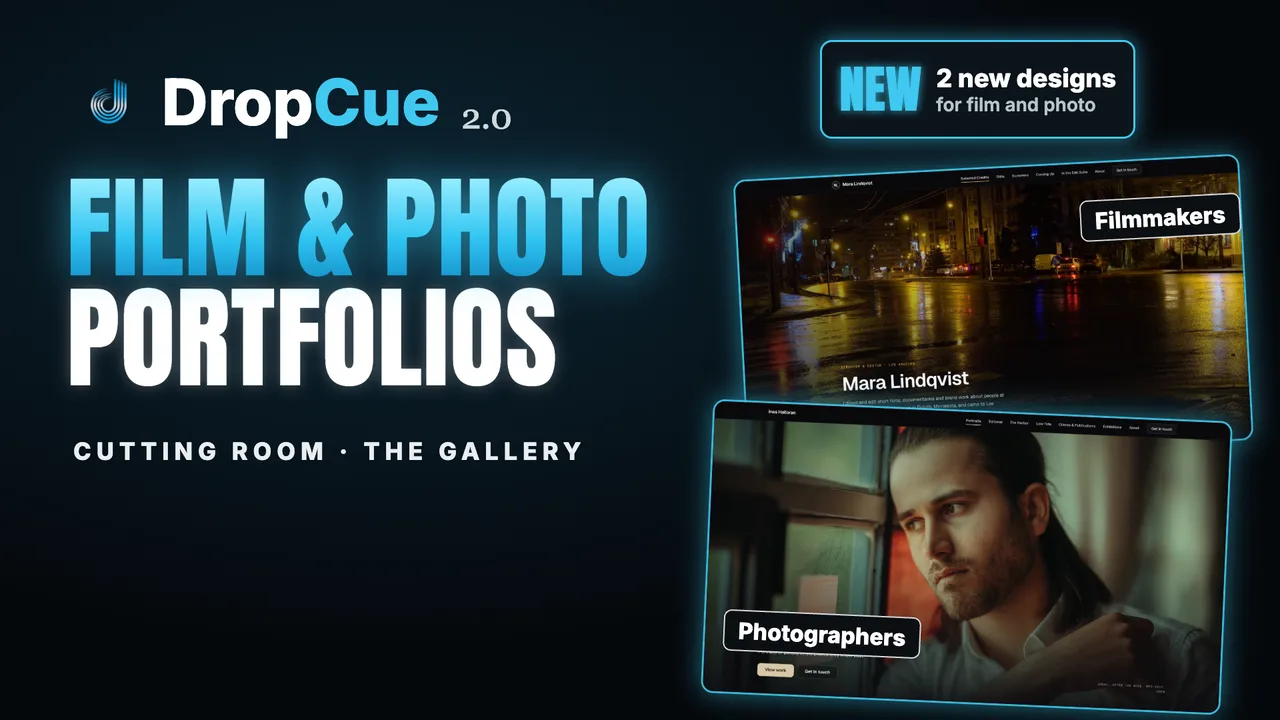
Watch: DropCue 2.0 | Cutting Room and The Gallery: Portfolios for Filmmakers and Photographers (1:26)
Cutting Room for filmmakers and editors, The Gallery for photographers and artists. Included with Pro and Studio, and in every free trial.
Your work plays on the page. Not behind a download.
Upload screeners straight onto your page in a Videos section, as MP4, MOV or WebM up to 200 MB each, or add your showreel as a YouTube, Vimeo or Loom link. Either way they open in a theater view with sound and fullscreen. Turn downloads off for the whole link, or allow or block them for one person.
What you made. How to reach you.
List projects with your role and year in a Credits list, and screenings and festivals in a Dates list, each edited row by row. Add frame grabs and set photos as a carousel or a gallery. Your bio sits next to your reps, email, phone and social links.
Send it privately. Know when it was watched.
Put a password and an expiry on any link, and give each person their own link with its own expiry and download setting. On Pro, each recipient shows views, plays and downloads, and the activity feed names who watched which video. Completion rate and average watch time cover uploaded videos across a playlist, not each person.
Common questions from filmmakers
Can I upload my reel, or does it have to be on YouTube or Vimeo?
Either. Upload MP4, MOV or WebM clips (H.264, up to 200 MB and 3 minutes each) to a Videos section on your page, where they sit in a carousel and play in a theater view. Longer files, up to 1 GB, go into a playlist. Or paste YouTube, Vimeo or Loom links into the Reels section. Video is part of Pro and the 7-day trial.
Do the people I send it to need an account?
No. Your page and your links open in any browser, on a laptop or a phone. Viewers press play; there is no sign-up and no app.
Can I see who watched?
On Pro, yes. Each recipient link shows their views, plays and downloads, and the activity feed names who watched which video. For uploaded videos you also get the completion rate and average watch time across the playlist. DropCue does not show exactly how long each person watched, or count rewatches and skips.
How much does it cost?
Pro starts at $15 a month billed annually and includes your portfolio page, video uploads, the Cutting Room and video hero designs, document attachments and per-recipient analytics. Studio adds a custom domain. Every plan starts with a 7-day free trial, no card required.
One link for the work, sent the way you want.
Build your page, share private screeners and see who watched. 7-day free trial, no credit card required.
Start my free trial →Pro from $15/mo annual. Studio from $29/mo annual. Cancel anytime.