
Filmmaker Portfolio Website: What to Put on It (With an Example)
The short version
A producer or agent opening your portfolio wants to press play. Everything else on the page is there to answer the questions that come after: what else have you made, who did you make it with, where has it screened, and how do they reach you.
So put the reel first, full screen. Put screeners where they play on the page, not behind a download. List credits and screenings as tidy rows. Then send each person their own link, so you know who watched.
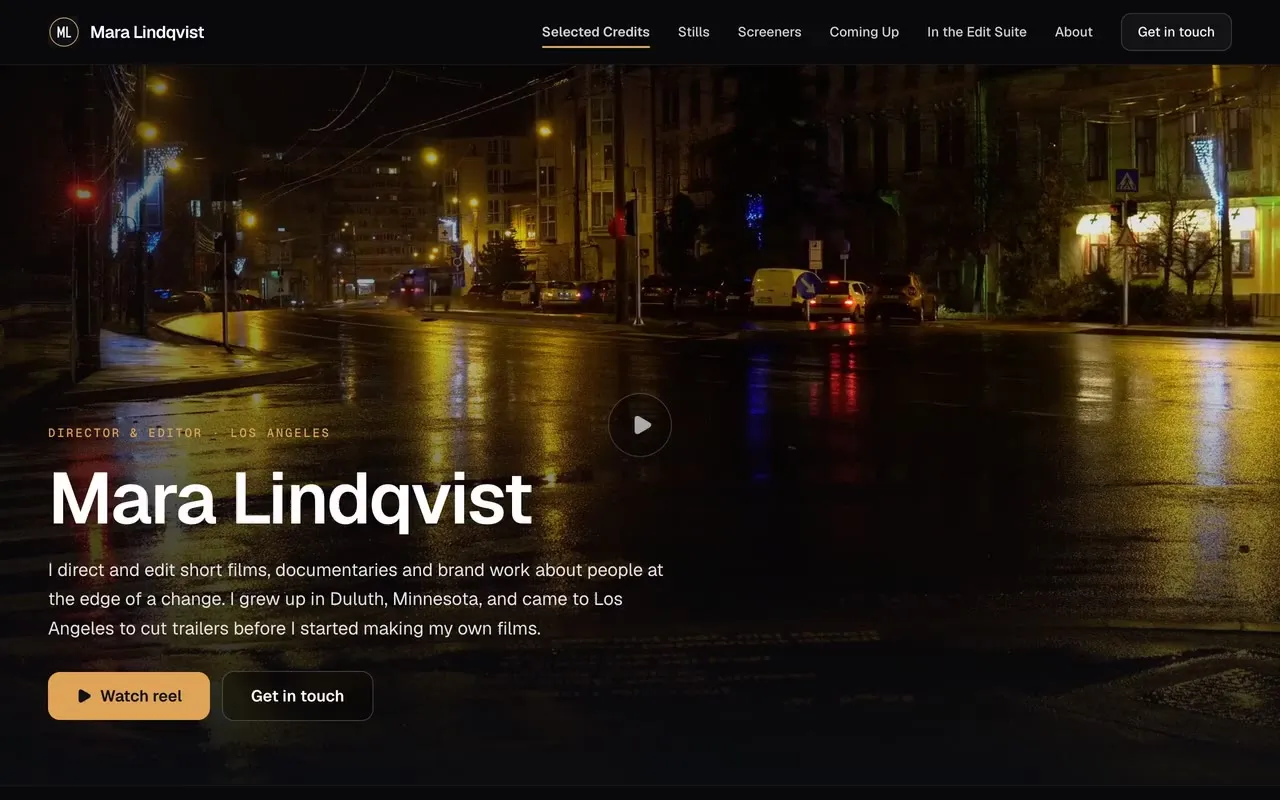
This guide walks through each part, using a live example: Mara Lindqvist, a demo director and editor page we built on DropCue.
Disclosure: DropCue is our platform. Mara Lindqvist is a fictional filmmaker we made for the example; the footage and stills are licensed stock from Pexels.
Watch: Cutting Room and The Gallery: DropCue portfolio designs for filmmakers and photographers
Who this is for
Directors, editors, cinematographers and video makers who share their work with producers, agencies, commissioners, festival programmers and clients. It applies whether you cut trailers, direct music videos, edit documentaries or shoot brand films.
1. Reel first, full screen
The first thing a visitor sees should be your work moving. Not a logo, not a paragraph, not a grid of thumbnails.
In DropCue's Cutting Room design, your reel plays full-bleed behind your name, role and a short line about what you do, with a Watch reel button over it. If you have no short hero clip, it shows a still frame from your first video, never a photo standing in for footage.
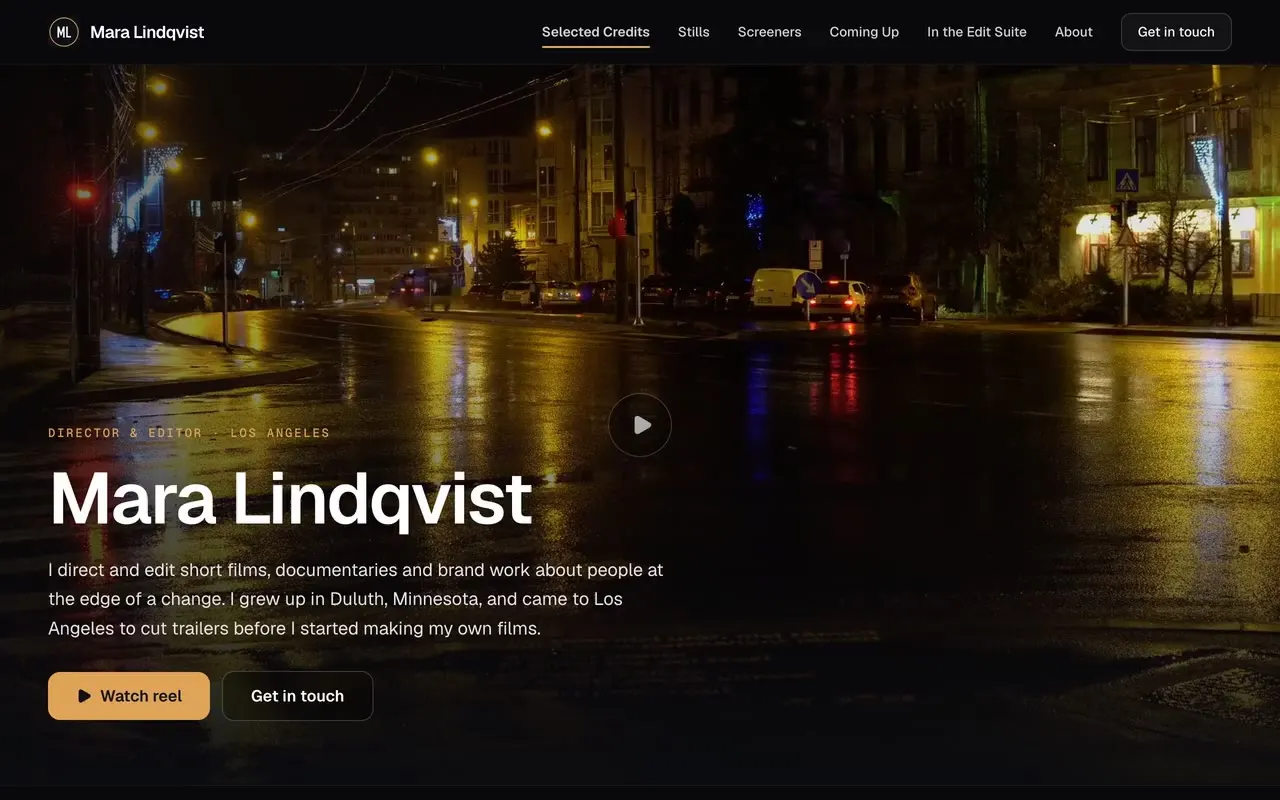
Keep the hero clip short and silent; it is there to set the tone. The full reel, with sound, opens when someone presses play.
2. Screeners that play on the page
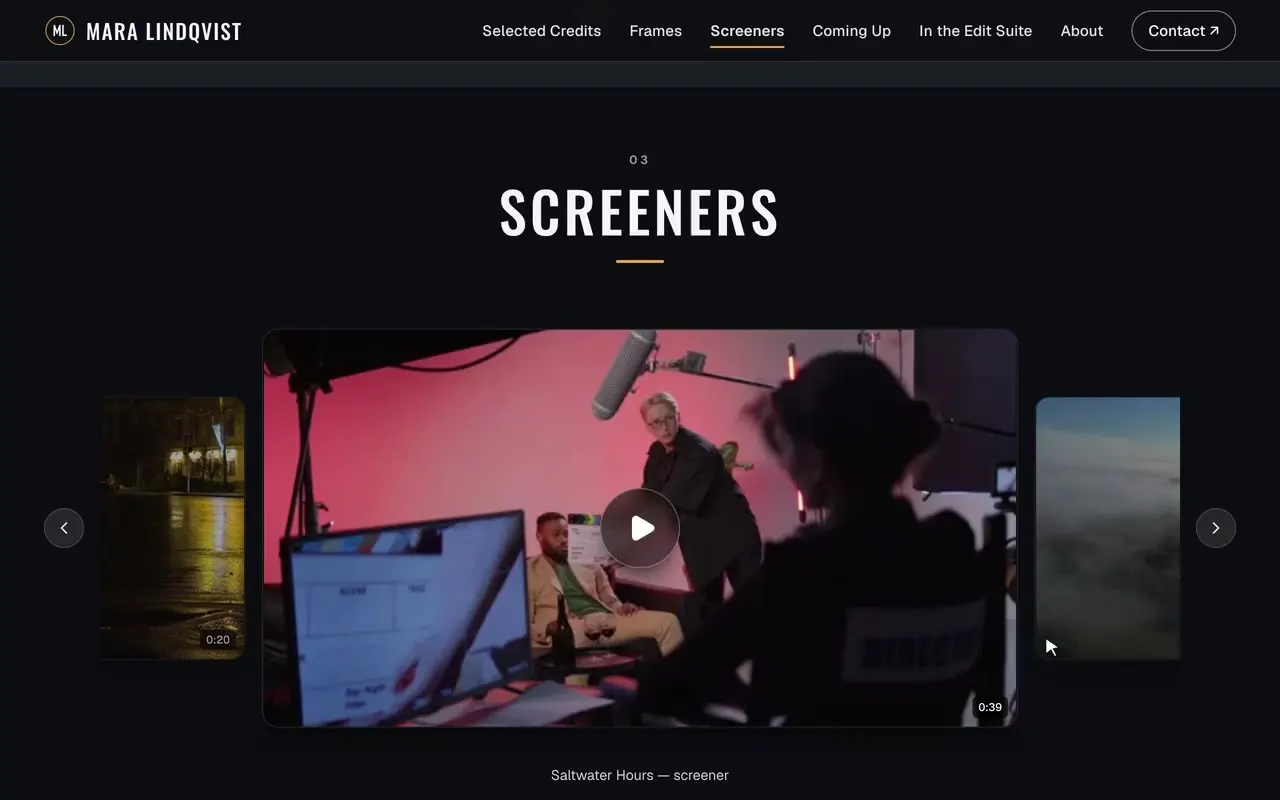
If a producer has to download a 900 MB file to watch your short, most of them will not. Put screeners on the page, where they play in a click.
On DropCue you can upload clips straight to a Videos section on your page: up to 12 clips, MP4, MOV or WebM (H.264), up to 200 MB and 3 minutes each. They sit in a carousel and open in a theater view with sound and fullscreen. Longer files, up to 1 GB, go into a playlist you can share on its own. Or paste YouTube, Vimeo or Loom links.
If a screener is unreleased, turn downloads off for the link, or allow them for one person and not the rest.
3. Credits as rows, not paragraphs
A credits list is scanned, not read. Each row should answer: what is it, what kind of project, what did you do, and when.
"Saltwater Hours, short film, director and editor, 2025" is enough. Put the projects you want more of at the top.
On DropCue this is a Credits list you edit row by row: title, type, role and year, with an optional link to watch it. It lays itself out in tidy columns on every design.
4. Screenings and what is next
Festivals, premieres, panels, a theatrical run: list what is coming up with the venue, city and date. It shows the work is out in the world and gives a programmer or producer a reason to reach out now.
On DropCue this is a Dates list. Upcoming dates show first; past ones move into their own short list.
5. Stills and behind the scenes
Frame grabs show your eye in a way a reel cannot, because the viewer can look at one image for as long as they like. A handful of stills, and a few photos from the edit suite or the set, round out the page.
Add them as a Photos section, shown as a carousel or a grid.
6. A short bio and real contacts
Two or three sentences: where you are based, what you make, and how you work. Then your contact details, your agent and your commercial representation if you have them. Make "Get in touch" one click from the top of the page.
7. Send it privately, and see who watched
Do not send the same public link to every producer. Give each person their own link, with a password and an expiry if the work is unreleased.
On DropCue each recipient link can have its own expiry and download setting. On Pro, your analytics show views, plays and downloads per recipient, and the activity feed names who watched which video. For uploaded videos in a playlist you also see the completion rate and average watch time across the playlist. DropCue does not show exactly how long each person watched, or count rewatches.
What it costs
The Cutting Room design, video uploads and the portfolio are part of DropCue Pro, from $15 a month billed annually. Studio adds a custom domain. Every plan starts with a 7-day free trial, no card required.
Checklist
- Reel first, full screen, silent until someone presses play
- Screeners that play on the page, downloads off for unreleased work
- Credits as rows: title, type, role, year
- Screenings and what is coming up
- A few stills and behind-the-scenes photos
- A short bio and real contacts
- One link per person, with a password and expiry when it matters
See the live example page, or read more about DropCue for filmmakers and editors.