
How to Organize Your Music Catalog Into Albums for Sync
Albums are the natural unit of a sync catalog
A growing music catalog is hard to pitch when it is a flat list of hundreds of tracks. Grouping it into albums, themed volumes, project collections, or genre sets, turns a pile of files into something a supervisor can actually browse, and something you can send as one album link.
This guide covers how to organize a catalog into albums for sync, what to do with alt mixes and stems, and how to keep the whole thing tidy as it grows.
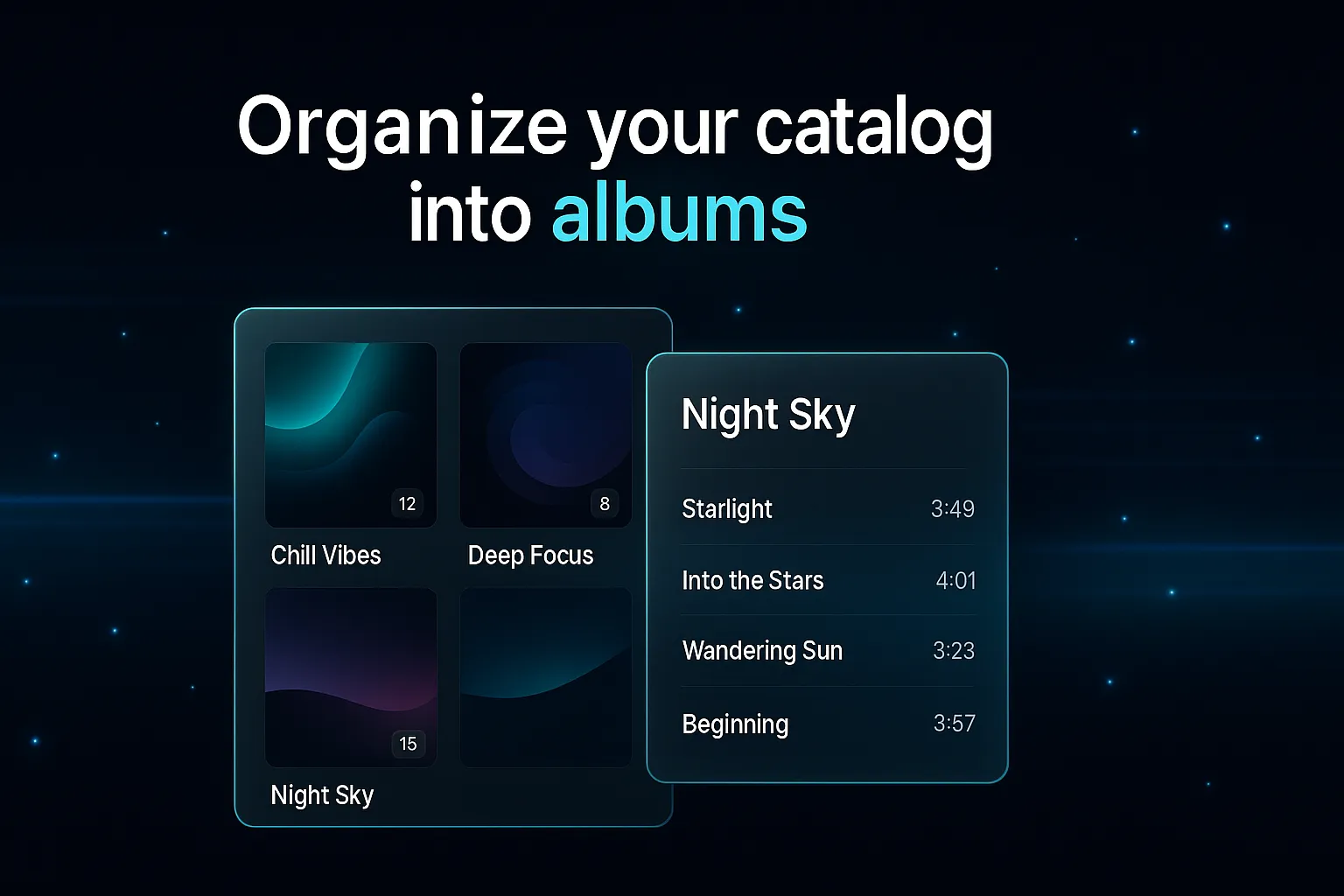
Why album organization beats a flat track list
A trailer editor or music supervisor does not want to scroll a list of 400 cues. They want to find "your dark hybrid action stuff" and hear it as a set. Albums give them that. Organizing into albums:
- Matches how the work was made. You wrote "Tension Vol. 2" as a body of work, so present it as one.
- Makes pitching faster. When a brief lands, you forward the album that fits instead of rebuilding a playlist from scratch.
- Looks professional. Cover art and a tidy track list signal a catalog that is run by someone who is easy to work with.
- Becomes one shareable unit. A finished album is a single link you can send to twenty trailer houses at once.
A simple album structure for sync
There is no single right system, but most working composers and libraries organize albums around one of these:
- Theme or mood. Tension, triumph, grief, wonder. Supervisors brief in moods, so a mood album maps straight onto a brief.
- Genre or instrumentation. Hybrid orchestral, analog synth, solo piano, percussion beds.
- Project or release. Everything you wrote for a specific library drop or season.
- Use case. Trailer cues, underscore, stings and bumpers.
Pick the axis your clients actually ask for. If trailer houses ask you for "epic hybrid," build albums around that, not around the month you wrote the tracks.
What to do with alt mixes and stems
This is where flat catalogs fall apart. A single trailer cue can spawn a dozen versions: instrumental, no-drums, 30-second cutdown, stems. If each one is a separate top-level entry, your album becomes unreadable.
The fix is nesting. Group your alt mixes under their parent track so the album shows one clean entry per cue, with the versions tucked underneath. The supervisor sees the album as a tidy list and expands a track only when they need the instrumental or the cutdown. DropCue does this grouping automatically when versions share a base name.
Add the licensing path while you organize
Organizing is the right time to attach a licensing link to each track, because you are already touching every cue. Apply one link across a whole album in a single click, then override the tracks that belong to a different publisher. When you later share the album, a License button is already sitting next to every track.
How DropCue handles album organization
- Automatic grouping. Your catalog groups into albums from existing track metadata, with cover art and no manual setup.
- Build and edit by hand. Create albums, set artwork by upload or AI generation, drag to reorder, and merge duplicates.
- Alt mixes stay nested. Versions group under their parent so the album reads cleanly.
- One link to share. Once an album is organized, send the whole thing as a single link with playback, password protection, and analytics.
A well-organized catalog is not busywork. It is the difference between a supervisor finding the right cue in ten seconds and giving up after scrolling.
Frequently Asked Questions
How should I organize a music catalog for sync licensing?
Group tracks into albums around the axis your clients brief on, usually theme or mood, genre, or use case. Nest alt mixes and stems under their parent track so each album reads as a clean list, and attach a licensing link to each cue so the album is ready to pitch.
What is the best way to handle alt mixes in a catalog?
Nest them under the parent track instead of listing every version as a separate entry. A single cue with an instrumental, a no-drums mix, and a 30-second cutdown should show as one album entry that expands to reveal the versions. DropCue groups versions automatically when they share a base name.
Can my catalog organize into albums automatically?
Yes. DropCue groups your tracks into albums from their existing album metadata, with cover art and no manual setup. You can then refine by hand: create albums, set artwork, reorder tracks, and merge duplicates.
How do albums help me pitch faster?
When a brief arrives, you forward the album that already matches instead of building a playlist from scratch. A finished album is one shareable link you can send to many supervisors or trailer houses at once, with licensing links already attached.
