
Put a License Button on Every Track You Pitch
A License button on every track closes the gap that kills sync deals
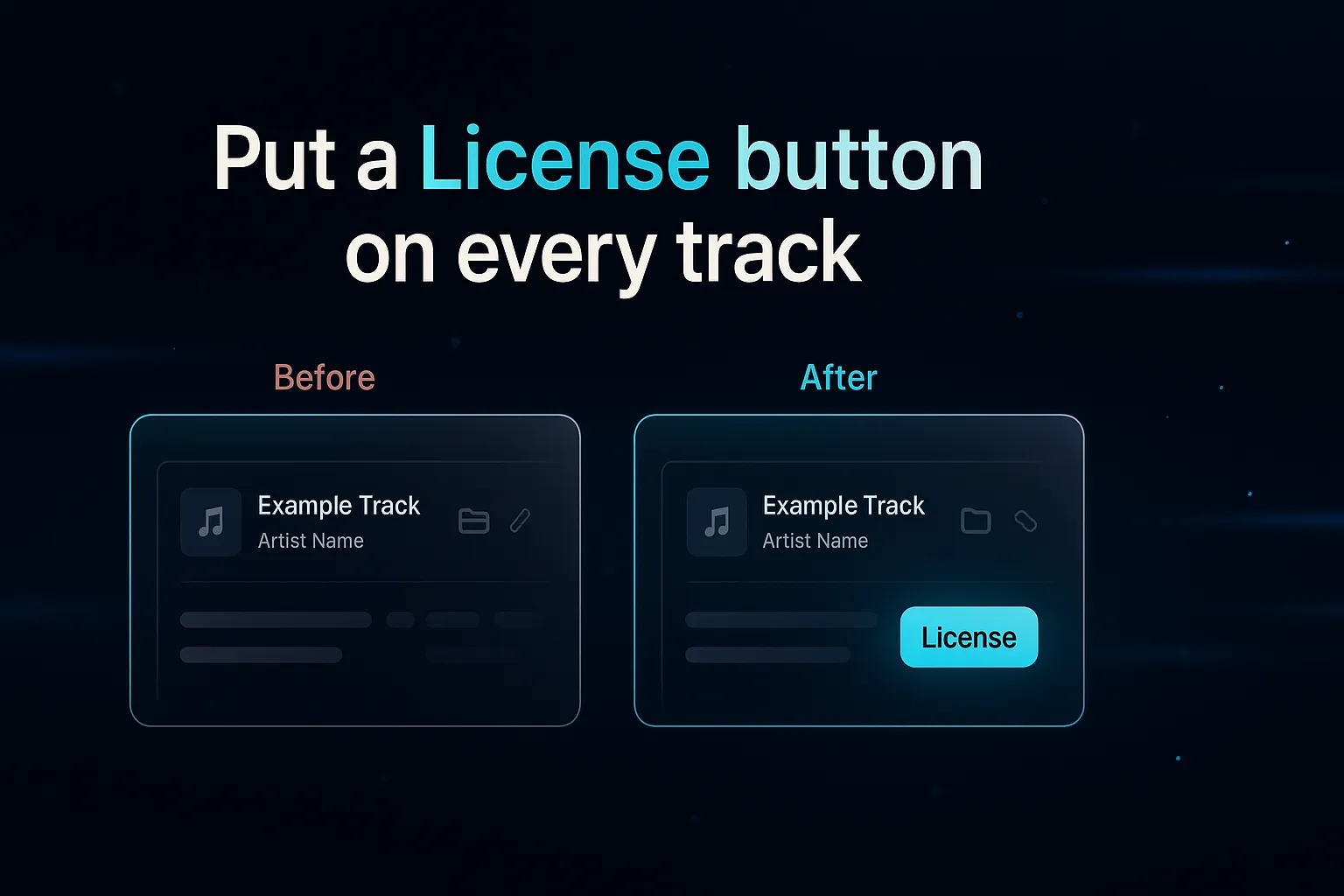
A licensing link is a direct URL attached to a specific track that sends a listener to the page where that track can be licensed. Add one, and a clearly labeled License button appears next to the track everywhere it is shared. The supervisor who likes your cue clicks once and lands exactly where they can clear it, instead of asking "who controls this?" and waiting a day for an answer.
The gap where deals die
There is a precise moment that decides a sync placement. A music supervisor drops your track into a scene and it works. Now they have a choice: track down who controls your cue, or reach for one of the ten tracks already sitting in a library they can clear in one click.
Every second of friction pushes them toward the easy option that is not you. And most music sharing tools do nothing here. They play your track beautifully and then leave the listener with no next step. The result is a "love this, who has it?" reply the next day, if you are lucky, with the momentum already gone.
What a licensing link does
A licensing link removes the guesswork. You attach it to a track once, and from then on a License button rides along with that track wherever it appears:
- on your shared playlists
- on your shared albums
- on your public portfolio
- on your catalog pages
When a listener clicks it, they go straight to the destination you chose. The link can point to:
- Your own page, so a self-published composer keeps the entire deal and fee in house.
- Your publisher, so the inquiry reaches the team that actually clears the cue.
- A library such as APM, Warner Chappell, Musicbed, or Marmoset that represents the track.
Because the link is per track, one playlist or album can route different cues to different rights holders. That matters, because real catalogs are split across multiple publishers, and a single generic "license my music" link sends everyone to the wrong place.
DropCue does not sit in the middle
This is worth being clear about. DropCue does not broker the deal, take a commission, or insert itself between you and your client. The License button sends the listener straight to wherever you set it. The conversation and the money stay yours. DropCue just makes the path obvious and instant, then gets out of the way.
How to add licensing links in DropCue
1. Open a track and set its licensing link. Paste the URL where that cue can be licensed. 2. Or apply one across a whole playlist or album in a single click. Self-publishing everything to your own page? Point an entire album at it in seconds instead of pasting the same link onto forty tracks by hand. 3. Override the exceptions. If three cues belong to a different publisher, set those individually. Licensing is per track for exactly this reason. 4. Share as normal. The License button now appears next to those tracks on every share, your portfolio, and your catalog pages.
Why this is rare
Most platforms treat sharing and licensing as separate problems. They will host your music and track plays, but the path from "a supervisor liked this" to "a supervisor licensed this" is left to email. Putting a real, per-track License button on the share is the part almost nobody does, and it is the part that turns interest into deals.
Frequently Asked Questions
What is a licensing link?
A licensing link is a direct URL attached to a specific track that sends a listener to the page where that track can be licensed or purchased. On DropCue it appears as a License button next to the track on your shares, portfolio, and albums, pointing to your page, your publisher, or a library.
Does DropCue take a cut of my licensing deals?
No. DropCue does not broker deals or take commission. The License button sends your client straight to the destination you set, and the deal and the fee stay between you and the licensee.
Can different tracks point to different rights holders?
Yes. Licensing is per track, so one playlist or album can route different cues to different publishers, libraries, or your own page. You can apply one link across a whole album and then override the tracks that belong elsewhere.
Where does the License button show up?
Everywhere the track is shared: on your shared playlists, your shared albums, your public portfolio, and your catalog pages. Set the link once and it travels with the track.
