Can I make a video EPK?
Updated · By Marc Aaron Jacobs
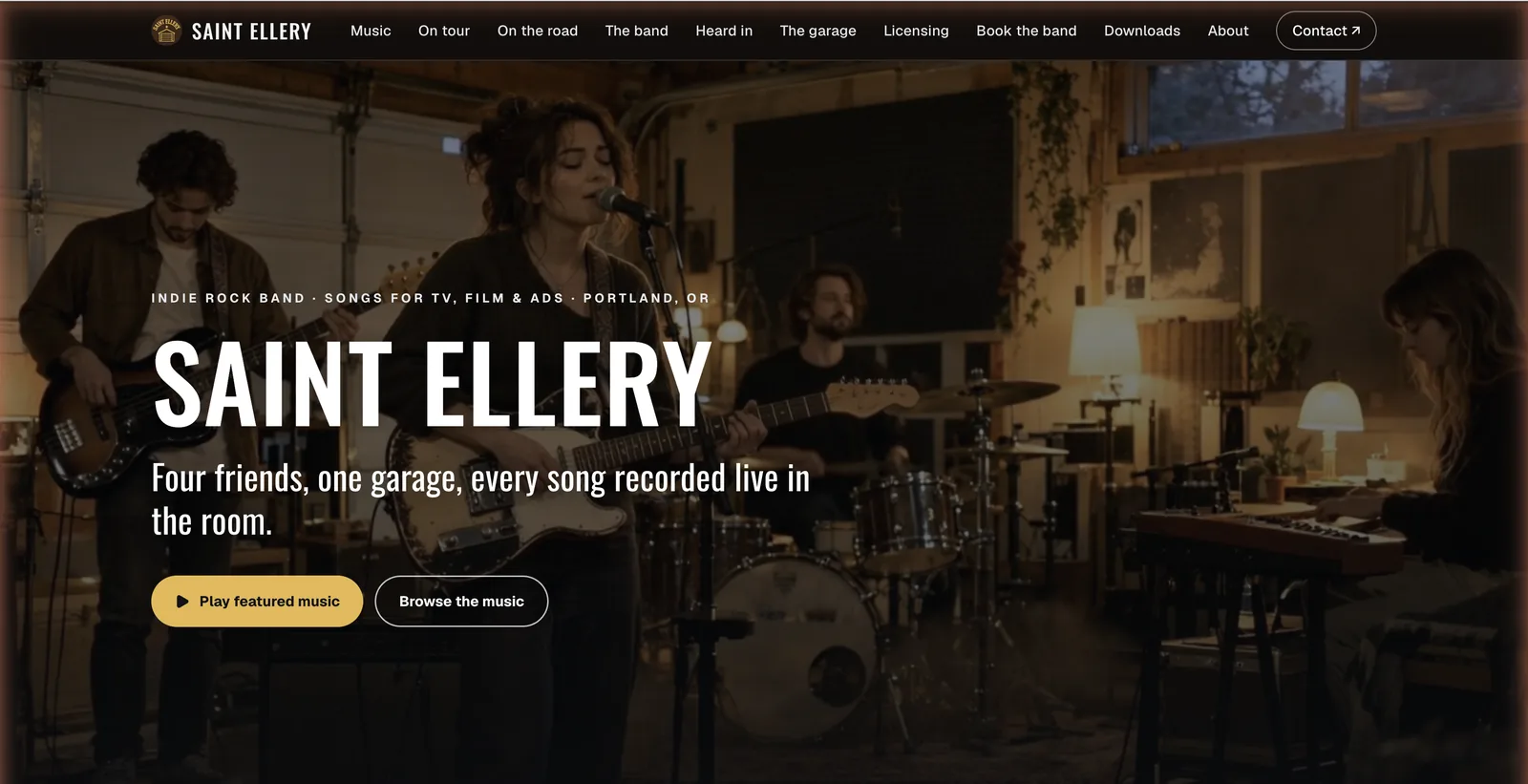
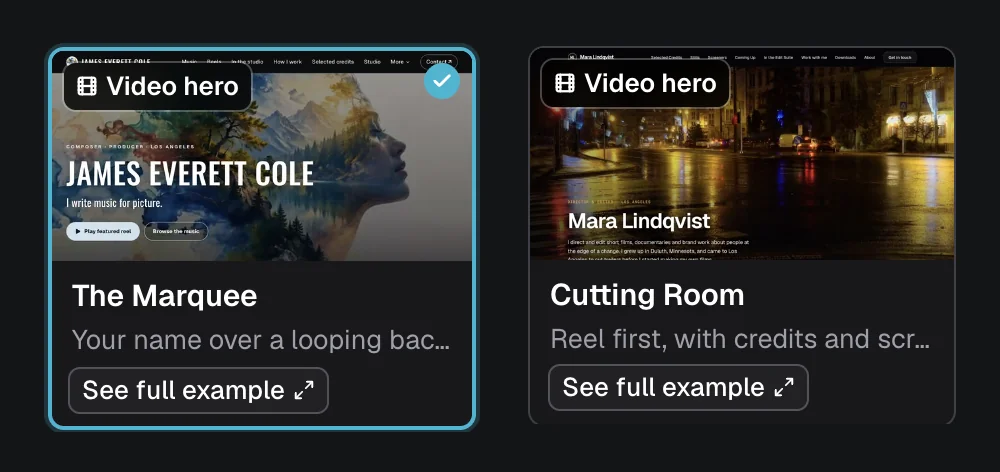
Yes, on Pro and Studio, from $15 a month billed annually, you can build a video EPK with The Marquee, which puts your name over a looping video, or Cutting Room, which leads with your reel.
Watch: Video EPK with The Marquee (1:07)
Real DropCue pages built with The Marquee, which puts your name over a looping background video: six composer and artist portfolios, two pitch playlists and an album release.
Real DropCue pages built with The Marquee: composer and artist portfolios, pitch playlists and an album release.
How to make a video EPK
- Open your portfolio settings. Open Settings, then Portfolio.
- Pick a video design. In Appearance, under Page design, choose The Marquee or Cutting Room.
- Add the video. In Page content, open Video header and upload an MP4 or WebM, 16:9, up to 30 seconds and 30 MB. For The Marquee, add a still picture too.
- Fill in the page. Add your music, credits, video reels, photos, bio and contacts.
- Share it. Send your page at dropcue.app/p/your-name, or give each person their own tracked link.
Do I need my own video for The Marquee?
No. If you have album artwork in DropCue, Build my page can make the background video for you. It records a 16 second loop from your own covers, drawn as slow drifting colour, so the clip loops with no visible seam. It never uses stock footage.
The clip is recorded in your browser, so keep the window open while it runs. If your browser cannot record video, the builder picks a design without a video instead of failing. You can upload your own clip later in Video header. While it works, the builder shows Making your header video.
How do I make the header video look right?
On a computer the video fills the screen under the top bar, close to 16:9, so a 16:9 clip shows almost whole. On a phone held upright the sides are cropped. Keep the subject near the middle of the frame. For The Marquee, keep it to the right of your name so the text stays readable.
Under Playback you choose Loop or Play once. For The Marquee, Shade sets a Dark, Light or no wash behind your name. Cutting Room has no still picture setting: when the clip cannot play, the page shows a frame from the clip itself.
Which other page designs can I use?
Besides The Marquee and Cutting Room, Page design lists Classic, The Masthead, The Archive, The Screening Room, The Gatefold, The Mood Map, One Sheet, Timeline, The Gallery and The Contact Sheet. They are grouped as Music, Film & video, and Image-led, so photographers and filmmakers can find a layout built around their work.
You do not have to pick one look for everyone. Pro lets you run up to 10 portfolios and Studio has no limit, so you can keep a video page for trailer houses next to a quieter page for TV drama.
Good to know
- ●The Marquee loops the video silently behind your name, your role and a Play button.
- ●Visitors with Reduce Motion, Data Saver or a slow connection see the still picture and a Play video button instead.
- ●Cutting Room is made for filmmakers: the reel comes first, with credits and screenings below. With no Video header it uses your first Videos section, then your first reel.
- ●The Marquee also works on the playlists and albums you share.
Questions
Is a video EPK on the Artist plan?
No. The portfolio and its page designs are on Pro and Studio.
How long can the header video be?
Up to 30 seconds and 30 MB, as an MP4 or WebM.