Can I embed my playlist on my website?
Updated · By Marc Aaron Jacobs
Yes, on Pro and Studio, from $15 a month billed annually, Copy embed code gives you a player for the playlist that you can paste into your own website.
Watch: Embed a playlist on your website (0:38)
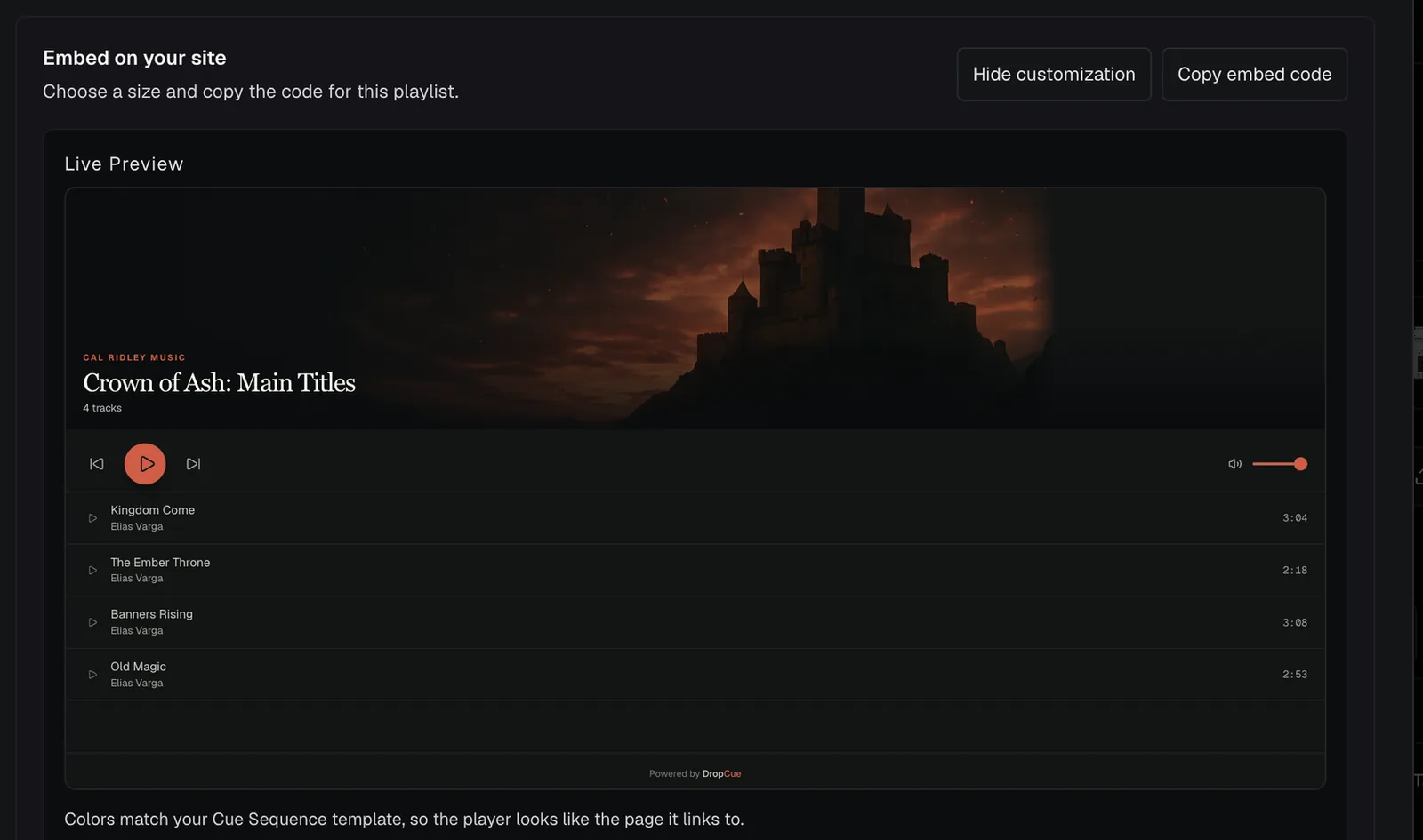
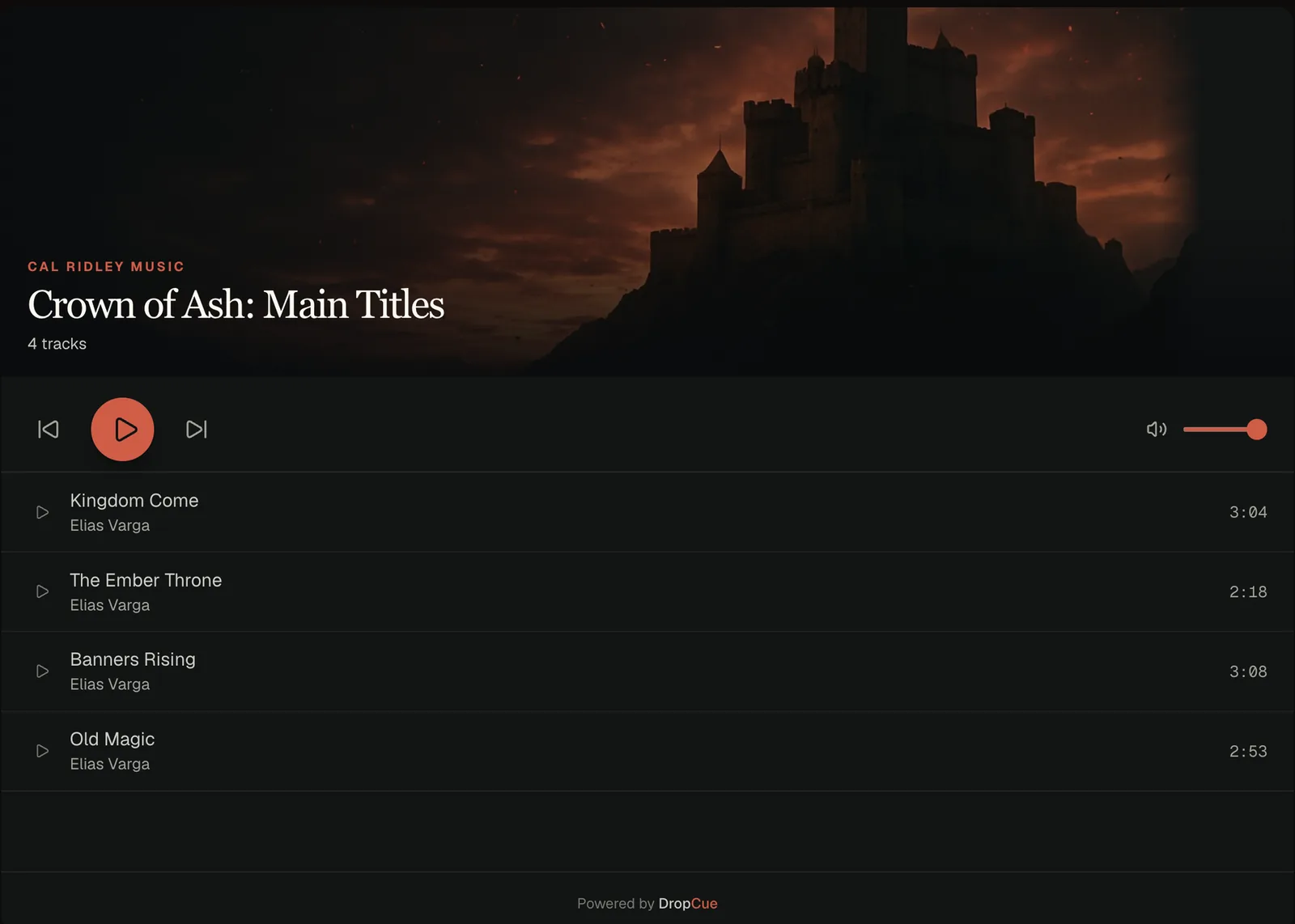
Put a DropCue playlist player on your own website: open Share playlist, scroll to Embed on your site, customize the player with the live preview, then copy the embed code into any site builder.
Under a minute: open Share playlist, customize the player with the live preview, copy the embed code and paste it into your site.
Video transcript
Here's how to put a DropCue playlist on your own website. Open the playlist and click Share playlist. Scroll down to Embed on your site. Click Customize embed. The live preview shows exactly what visitors will see. Pick a height, show or hide the track list, and set the corners. Then click Copy embed code. Paste it into any site builder that takes HTML or an embed block. Visitors play your music right on your site, with no account, and every play shows up in your DropCue analytics. Embedding is on Pro and Studio.
How to embed it
- Open the share window. Open the playlist and click Share playlist.
- Find the embed. Scroll to Embed on your site.
- Style it if you like. Click Customize embed and watch the Live Preview change as you go.
- Copy the code. Click Copy embed code.
- Paste it on your site. Paste the code into an HTML or embed block on your website and publish the page.
Do I need to paste new code when the playlist changes?
Not for the music. The player loads the playlist each time the page opens, so tracks you add, remove or reorder show up on your site without touching the code.
The style is different. Theme, Accent Color, Height, Show track list and Corner Radius are saved inside the code you copy. If the playlist uses a page design, the player takes that design's colors, so Theme and Accent Color are not shown. If you change them in Customize embed, copy the code again and replace the old one. Height comes in Compact at 400px, Standard at 700px or Tall at 900px. Corner Radius has None, Small, Medium and Large. Accent Color takes any hex color.
What do visitors see if the playlist is locked or switched off?
If the playlist has a password, the player shows This playlist is password protected. with a Listen on DropCue button that opens the full page. There is no password box inside the player. To show a protected playlist on your site, make a second link for it without a password and copy the embed code from that link.
If the link has expired or you turn off Link enabled, the player shows This playlist is no longer available. The embedded player has no download button, so visitors can listen but not save files. Plays from it are not tied to a person's name.
What is the line of text under the player?
The code adds a short credit under the player: Listen to the playlist title by your name on DropCue. The title links to the full playlist page, where visitors can see everything in it.
The code also carries a small block of structured data that describes the playlist, which helps search engines understand what is on your page. The credit and the player sit together inside one block with the class dropcue-embed, so you can style the credit with CSS or remove it. On a playlist that uses The Marquee, the embed shows the playlist's wide image instead of the video, so nothing autoplays on your page.
Good to know
- ●Visitors play the music on your site without a DropCue account.
- ●Plays from the embedded player are counted in your analytics.
- ●It works on any site builder that lets you paste HTML or an embed code.
“I've been using DropCue for awhile now, and it's been nothing short of fantastic. I've used a few other music sharing platforms before, but this is at the top of the list for me. Super user-friendly, full of great features, and solid customer support. Also, no complaints that it's a fraction of the cost of competitors! Glad I made the switch!”
Questions
Is embedding on the Artist plan?
No. Embedding is on Pro and Studio.
Can I change how the player looks?
Yes. Click Customize embed before you copy the code.