Guide
Mix Analysis for Home Studios: An Objective Second Opinion
 Marc Aaron Jacobs
Founder, DropCue · Composer
Marc Aaron Jacobs
Founder, DropCue · Composer
If you mix in a bedroom on headphones or a pair of monitors fighting a square room, your ears are lying to you in ways you can't hear. DropCue's AI Mix Analysis gives you the objective second opinion your room never will: integrated LUFS, true peak, stereo width, mono compatibility, phase, and tonal balance, with plain-language notes on what to fix.
Who this is for
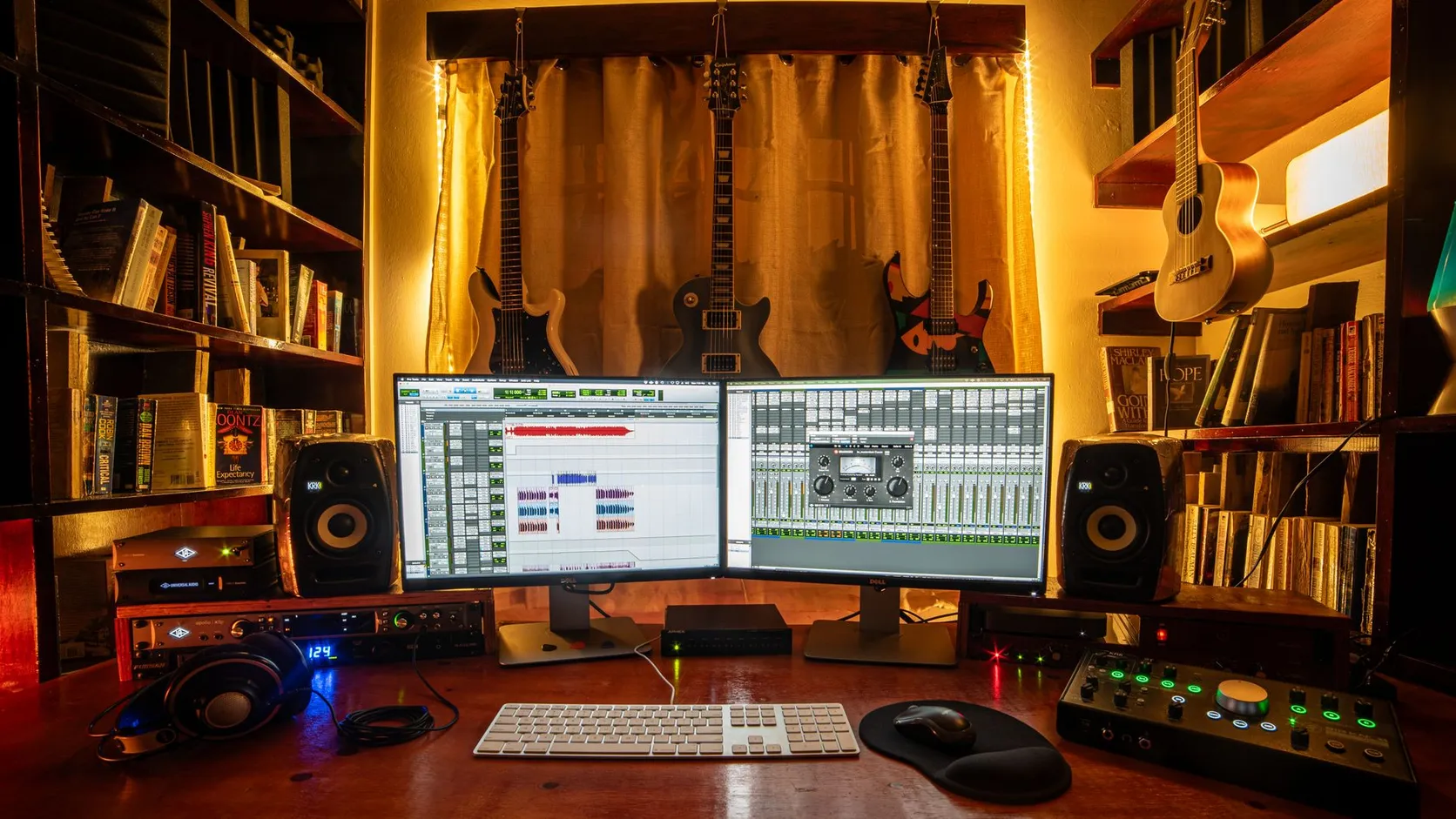
This page is for the home-studio and bedroom producer who has stopped trusting their own monitoring. You mix in a room you didn't design for mixing: a bedroom, a spare closet, a corner of the living room with the desk shoved against a wall. Maybe you've thrown up a couple of foam panels behind the monitors and called it "treated," but you know the bass is still doing whatever it wants below 200Hz. Half the time you mix on headphones because at least the headphones are consistent, even if they make everything sound wider and bassier than it actually is.
You've lived the cycle. You finish a mix at midnight, it sounds incredible in the room, you bounce it, and the next morning in the car it's muddy, the vocal is buried, and the low end is either gone or smearing everything. So you do the reference-track shuffle: load a commercial track, A/B endlessly, second-guess every move, and still ship something you're not sure about. The problem isn't your skill. The problem is you have no objective reference point. You are making mix decisions based on a monitoring chain you can't trust, and no amount of "trained ears" fully fixes a room with a 9dB null at 80Hz.
You're also probably the person doing everything yourself: writing, tracking, mixing, and uploading. You don't have a mastering engineer on retainer to tell you the low mids are crowded, and you can't always send every demo out for a paid analysis. You need a fast, honest, repeatable read on what's actually happening in the file, not what your room is telling you is happening.
The audience-specific reality
Home-studio mixing has a specific failure mode that pro rooms don't: the monitoring environment is the single biggest variable, and it's the one you have the least control over. A commercial mix room is treated, symmetrical, and calibrated. Your bedroom is none of those things. Room modes pile up in the low end, early reflections smear the stereo image, and your desk and walls create a comb-filtered mess right where the vocal sits. You can learn the room over time, but you're still guessing, and you're guessing differently on every track because you keep moving your chair, your monitors, or switching to headphones at 2am to not wake people up.
This is exactly why objective measurement matters more for home setups than for anyone else. A loudness meter doesn't care that your room is boomy. A true-peak reading doesn't care that your headphones hype the highs. Integrated LUFS measured to ITU-R BS.1770, true peak with inter-sample detection, mono compatibility, and phase correlation are facts about the file. They tell you what's there regardless of what your speakers are doing to it. When your ears and the meter disagree, that gap is usually your room, and that's the most useful piece of information a home producer can get.
The honest caveat that matters for this crowd: if you analyze a lossy bounce (an MP3, or an AAC export), the loudness and peak numbers can read slightly off versus the original WAV or FLAC, because the codec has already moved things around. DropCue flags those readings as approximate so you're not chasing ghosts. For real decisions, analyze the uncompressed bounce. That's a quirk worth knowing rather than a tool you can't trust.
Why DropCue fits this workflow
Most home producers solve the "I can't trust my room" problem by stacking metering plugins inside the DAW: a LUFS meter on the master, a spectrum analyzer, a goniometer for stereo, a correlation meter, maybe a separate analyzer pulled up in a browser tab. That works, but it means you're reading five separate readouts, interpreting raw numbers yourself, and doing it inside the same session where your room is still coloring everything you hear. And then your finished tracks live somewhere else entirely, scattered across folders and drives.
DropCue puts the analysis where your catalog already lives. AI Mix Analysis is powered by ROEX and built directly into DropCue, so you run it on any track in your library without bouncing between a DAW, a loudness meter, a spectrum analyzer, and a separate service. Upload the bounce, click analyze, and you get a diagnostic read: integrated LUFS to ITU-R BS.1770, true peak (including inter-sample peaks), clipping detection, stereo width, mono compatibility, phase, and tonal balance. The part that actually changes how you work is the plain-language layer: instead of staring at "-9.2 LUFS, +1.1 dBTP, 0.3 correlation" and trying to remember what that means at midnight, you get recommendations on what to fix and how. "Your low end is wide and may lose punch in mono" is a sentence a tired home producer can act on at 1am.
Because it's not tied to your DAW session or your monitoring chain, it works as the neutral referee your room can't be. Run it on the mix that sounded great last night and find out the vocal is genuinely 3dB too quiet, not just quiet-in-this-room. Run it on three versions of a mix and see which one actually holds up in mono before you commit. And when the analysis tells you the mix itself is solid and it's just loudness that's lacking, you can hand it straight to DropCue's built-in AI Mastering (powered by Chosen Masters) without exporting, uploading anywhere else, or paying a separate platform. Diagnose and treat, in one place, on the catalog you already keep there.
The features that matter most
✓ Integrated LUFS measured to ITU-R BS.1770
Your room can't tell you how loud the track actually is; the meter can. Get the true integrated loudness so you stop guessing whether your mix is competitive or quietly buried.
✓ Mono compatibility and phase correlation
Headphones and wide bedroom monitoring hide phase problems that collapse the second your track plays on a phone speaker, a club system, or a Bluetooth speaker. This catches them before release.
✓ True peak with inter-sample peak detection
Clipping that doesn't show on your DAW's sample-peak meter still distorts after encoding. Inter-sample true-peak readings tell you what will actually clip on streaming platforms.
✓ Plain-language AI recommendations
You don't have a mix engineer over your shoulder. Instead of raw numbers, you get clear notes on what to fix and how, which is what a self-taught home producer actually needs at midnight.
✓ Tonal balance read
An untreated room lies hardest about low end and high end. A tonal balance read shows whether the mud you can't hear or the brittleness you over-corrected is really in the file.
✓ Built in, next to your catalog
No bouncing between DAW, loudness meter, spectrum analyzer, and a separate site. Analyze the tracks already in your DropCue library, then hand a finished mix straight to AI Mastering.
Names you may know in this space
ITU-R BS.1770
The international standard for measuring integrated loudness. DropCue's LUFS readings follow it, so your numbers line up with what streaming platforms and broadcasters actually use.
ROEX
The analysis engine behind DropCue's Mix Analysis, providing the diagnostic loudness, peak, phase, and tonal-balance read plus the plain-language recommendations.
Chosen Masters
The mastering engine built into DropCue. When analysis shows the mix is solid and only loudness is lacking, you can master in seconds without leaving the platform.
Pricing for this audience
Mix Analysis is built into DropCue, not a separate subscription. Pro plans include 10 free analyses, then packs that never expire (20 for $4.99 or 50 for $9.99). Pro starts at $15/mo billed annually (1,000 tracks, scaling by catalog size), Artist from $8/mo (no track limit). No add-ons, no per-track fees, and no revenue share if your music gets placed. Every feature is included, with transparent pricing and nothing held back behind upsells.
Frequently asked questions
Can mix analysis really replace mixing in a treated room?
No, and it doesn't try to. A treated room and good monitoring will always help. What analysis does is give you an objective reference your room can't: the file's actual integrated LUFS, true peak, phase, and mono compatibility, measured independently of whatever your speakers or headphones are doing. When your ears and the numbers disagree, the gap is usually the room, and knowing that is half the battle for a home setup.
Should I analyze the WAV or an MP3 bounce?
Analyze the uncompressed WAV or FLAC whenever you can. Lossy formats like MP3 have already shifted loudness and peaks during encoding, so the readings can come back slightly skewed versus the original. DropCue flags lossy-source readings as approximate so you know not to chase those numbers. For real mix decisions, use the uncompressed bounce.
Why does my mix sound great in my room but the analysis flags problems?
That's the most common and most useful result for home producers. Untreated rooms create nulls and peaks (especially in the low end) and headphones hype width and highs, so a mix can sound balanced to you while the file tells a different story. The analysis is measuring the actual file, not your monitoring chain. Trust the numbers for loudness, peaks, and mono compatibility, then learn how your room differs from them over time.
What's the difference between Mix Analysis and AI Mastering?
Mix Analysis is the diagnosis: it reads loudness, peaks, phase, stereo width, mono compatibility, and tonal balance and tells you what to fix. AI Mastering (powered by Chosen Masters) is the treatment for the final stage: pick a style, master in seconds, and A/B before and after loudness-matched. Run analysis first to confirm the mix is solid, then master. Both live inside DropCue.
Do I need to upload my whole catalog to use this?
No. You can analyze any individual track in your DropCue library, so you only run it on the bounces you're working on. Since your catalog already lives in DropCue, there's no separate upload step or exporting to another service just to get a read on one mix.
How many analyses do I get, and do credits expire?
Pro plans include 10 free analyses. After that, you buy packs (20 for $4.99 or 50 for $9.99). The packs never expire, so if you only finish a handful of tracks a month, your credits wait for you instead of disappearing at the end of a billing cycle.