Guide
Do I Need Mastering Before Sync? An Honest Answer
 Marc Aaron Jacobs
Founder, DropCue · Composer
Marc Aaron Jacobs
Founder, DropCue · Composer
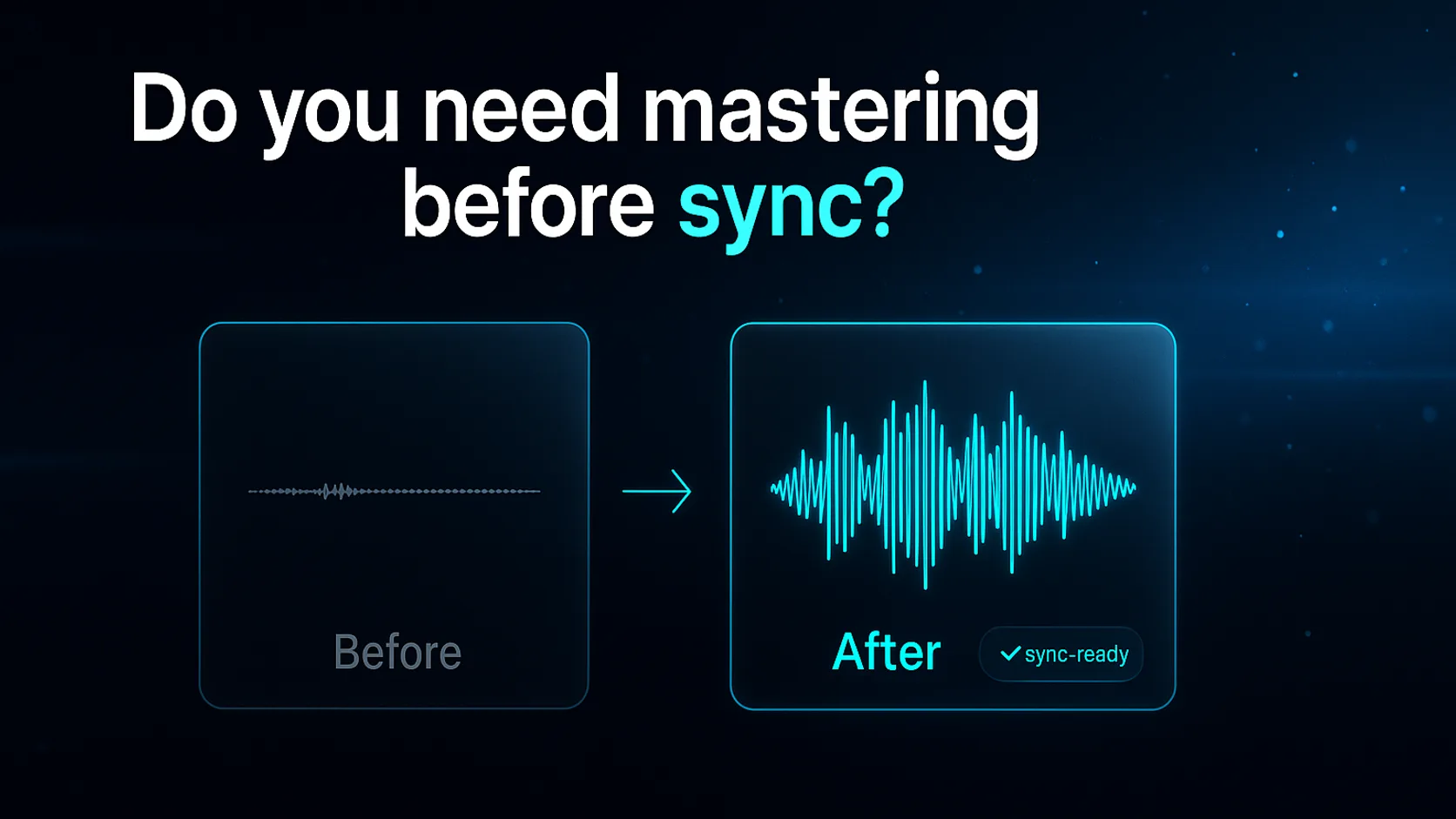
Short answer: a clean, loudness-consistent master almost always presents better to a supervisor, but it is not a hard requirement, and some briefs explicitly want stems or unmastered files. Here is when mastering helps your pitch, when it does not, and how to keep loudness consistent across a whole submission playlist.
Who this is for
This page is for composers, producers, and library writers who are about to send tracks to a music supervisor, a sync agency, or a production music library, and they are staring at the export dialog wondering: does this need to be mastered first, or am I overthinking it?
You have probably already heard contradictory advice. One forum says "never master your sync tracks, supervisors want clean stems." Another says "always send a finished, radio-ready master or you look like an amateur." Both are partly right, which is why the question is so annoying to answer. The truth depends on who is receiving the track and what they have told you they want.
If you are submitting cold to a library, pitching to a supervisor who asked for "your best work," uploading to a catalog browse system, or sending a one-off custom cue for a specific scene, the answer leans different ways in each case. This page walks through all of them honestly, then shows you how to get a consistent, professional-sounding master in seconds without bouncing between your DAW, a standalone loudness meter, a spectrum analyzer, and a separate mastering service.
The audience-specific reality
Sync is a presentation business as much as a music business. A supervisor auditioning to picture is often listening on monitors, in a noisy edit bay, or through a laptop, and they are comparing your cue against dozens of others in a playlist. If your track lands four LUFS quieter than the cue before it, the human ear reads "quieter" as "worse," even when the writing is better. That is the single most underrated reason mastering matters for sync: not because the supervisor wants a brick-walled radio master, but because loudness consistency across a pitch playlist keeps every track on equal footing.
At the same time, the sync world has a real, legitimate appetite for unmastered material and stems. A library that will re-edit your cue for a trailer, or a supervisor who needs to duck the music under dialogue, sometimes wants more dynamic headroom and clean separation than a finished master gives. Some briefs say it outright: "send stems," "no limiting," "instrumental and full mix." Ignoring that instruction to send a louder master is the fastest way to get filed under "does not read the brief."
So the real skill is not "always master" or "never master." It is reading the destination, then making sure whatever you send is internally consistent and technically clean. The two most common technical failures in sync submissions are inconsistent loudness across a batch (one cue at -9 LUFS, the next at -16) and undetected problems like clipping, phase issues, or mono-incompatibility that only surface on the supervisor's playback system. Both are fixable before you hit send, and both are exactly what an integrated mastering and analysis workflow is for.
Why DropCue fits this workflow
DropCue sits at the exact point in your workflow where this question matters: you are about to pitch, and your catalog already lives in DropCue. So instead of exporting a track, opening a separate mastering service, re-importing, then opening a loudness meter in another tab to check it, you do all of it on the file that is already in your library.
DropCue's AI Mastering, powered by Chosen Masters, lets you pick a style (Modern, Open, or Powerful), master in seconds, and A/B the before and after loudness-matched. That loudness-matched comparison is the part that matters for sync: it strips away the "louder sounds better" illusion so you are judging the actual tonal and dynamic improvement, not just the volume bump, with a moving waveform and studio analytics showing integrated LUFS (to ITU-R BS.1770), true peak and inter-sample peaks, dynamics, L/R correlation, and EQ. When you are mastering a whole pitch playlist, those readouts are how you confirm every cue lands in the same loudness neighborhood before a supervisor ever hears them back to back.
For the "is this even ready" question, DropCue's AI Mix Analysis, powered by ROEX, gives a diagnostic read on any track in your library: integrated LUFS, true peak, clipping, stereo width, mono compatibility, phase, and tonal balance, plus plain-language recommendations on what to fix and how. Run it before you decide whether to master. If a track is clipping or collapses in mono, that is a problem you want to catch on your screen, not on the supervisor's. One honest caveat: for lossy or compressed source files (MP3, AAC), the loudness and peak readings can be slightly skewed versus the original WAV or FLAC, and DropCue flags those as approximate, so analyze from your highest-quality master source when you can.
The point is not that DropCue masters better than a dedicated engineer would on a flagship release. It is that for the volume of cues a working sync composer pitches, having mastering and analysis built into the same place your catalog already lives, with no bouncing between tools, is the difference between a pitch playlist that sounds tight and consistent and one that does not.
The features that matter most
✓ AI Mastering (Chosen Masters)
When the destination wants a polished master, pick Modern, Open, or Powerful and master in seconds. The loudness-matched A/B (with moving waveform) lets you confirm you are improving tone and dynamics, not just chasing volume, which is exactly what a supervisor's ear is silently comparing.
✓ Loudness-matched A/B with studio analytics
Integrated LUFS (ITU-R BS.1770), true peak, dynamics, L/R correlation, and EQ on screen mean you can master every cue in a pitch playlist to the same loudness target, so no single track sounds weaker just because it is quieter back-to-back with the others.
✓ AI Mix Analysis (ROEX)
Before you decide to master, get a diagnostic read on clipping, stereo width, mono compatibility, and phase. If a cue collapses in mono or is already clipping, you catch it on your screen rather than discovering it when a supervisor plays it back on a mono editing setup.
✓ Tools built into your catalog
Your tracks already live in DropCue. Analyzing and mastering happen on the file in your library, so there is no exporting, re-importing, or opening a separate loudness meter and spectrum analyzer in three other tabs while you prep a submission.
✓ Pitch playlists and share links
Once your cues are mastered and loudness-consistent, you can group them and send a clean, branded link to the supervisor instead of email attachments, keeping the whole submission organized and professional from master to send.
Names you may know in this space
ITU-R BS.1770
The international standard for measuring integrated loudness (LUFS). It is what broadcast and streaming platforms reference, and what DropCue's analytics report, so your readings line up with how the rest of the industry measures level.
Chosen Masters
The AI mastering engine powering DropCue's mastering. You pick a style and get a finished master in seconds, with a loudness-matched before/after so the comparison is honest.
ROEX
The engine behind DropCue's Mix Analysis, providing the diagnostic read on loudness, true peak, clipping, stereo width, mono compatibility, phase, and tonal balance, with plain-language recommendations.
Pricing for this audience
Both tools are built into DropCue, not paid add-ons or per-track fees. Pro plans include 10 free masters and 10 free mix analyses to start. After that, mastering packs start at $9.99 (or 15 a month for $12), and analysis packs run 20 for $4.99 or 50 for $9.99, and none of the packs expire. DropCue charges no revenue share on placements, so you keep 100% of your sync fees.
Frequently asked questions
Do I really need to master a track before submitting it for sync?
Not always, but usually it helps. A polished, loudness-consistent master presents more professionally and keeps your cue on equal footing when a supervisor auditions it back-to-back against other tracks. The exception is when a brief explicitly asks for unmastered files or stems, in which case follow the brief.
When would a supervisor or library want unmastered files or stems instead?
When they plan to re-edit, re-time, or re-balance your cue, common in trailers, promos, and dialogue-heavy scenes. Re-editing wants more dynamic headroom and clean stem separation than a finished, limited master provides. If the brief says 'send stems' or 'no limiting,' send exactly that.
Why does loudness consistency across a pitch playlist matter so much?
Because the human ear reads 'louder' as 'better.' If one cue lands at -9 LUFS and the next at -16, the quieter one sounds weaker even if the writing is stronger. Mastering every track in a submission to a similar integrated LUFS target (measured to ITU-R BS.1770) keeps the comparison fair across the whole playlist.
How do I check whether a track is even ready to master?
Run DropCue's AI Mix Analysis first. It gives a diagnostic read on clipping, true peak, stereo width, mono compatibility, phase, and tonal balance, plus plain-language recommendations. If a cue is clipping or collapses in mono, fix that before mastering rather than baking the problem into the final file.
Will AI mastering hurt my chances versus a human mastering engineer?
For the volume of cues a working sync composer pitches, a fast, consistent, loudness-matched master is usually the right call, and that is what AI mastering is built for. A dedicated engineer still has a place on a flagship release. For day-to-day sync submissions, consistent and clean beats slow and bespoke.
Does file format affect the loudness readings?
Yes. For lossy or compressed sources like MP3 or AAC, loudness and true-peak readings can be slightly skewed versus the original WAV or FLAC, and DropCue flags those as approximate. Analyze and master from your highest-quality source file whenever possible for accurate numbers.